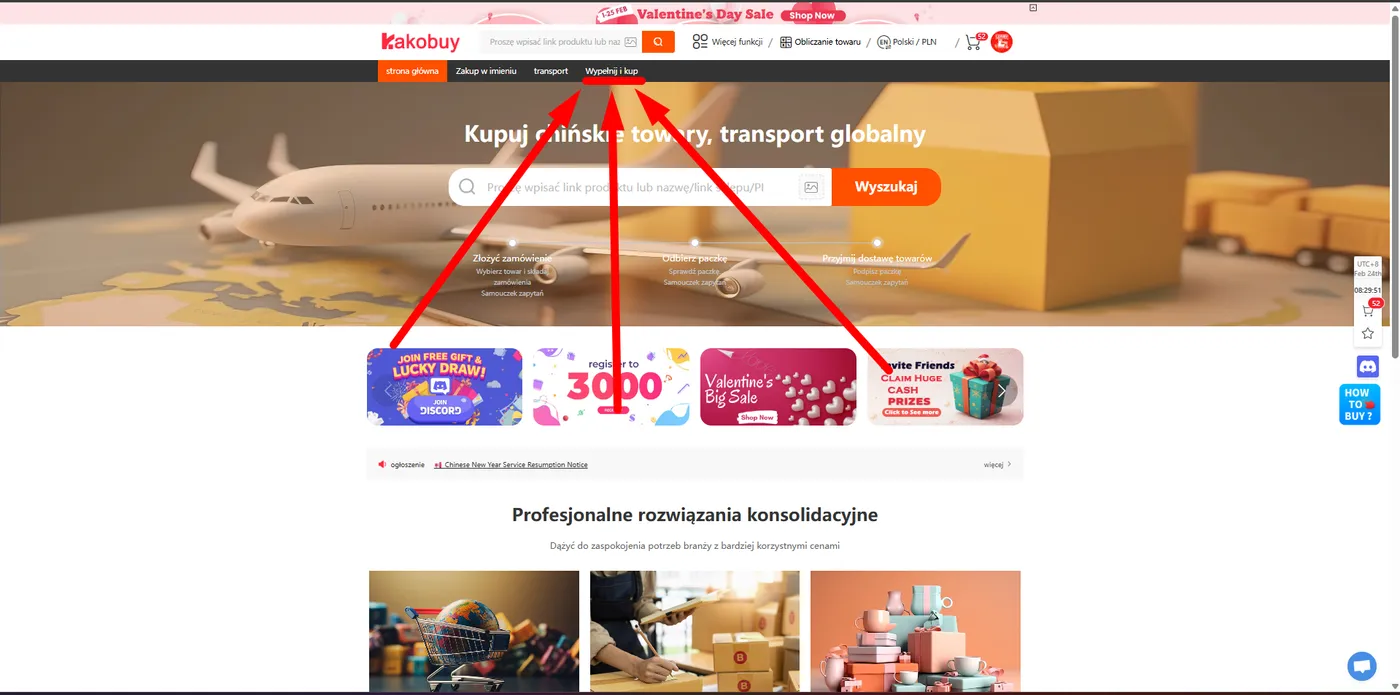
Kakobuy Guide
Step by step: How to create an account, claim bonuses, and place your first order.
Updated:
STEP 01
How do you create a Kakobuy account?
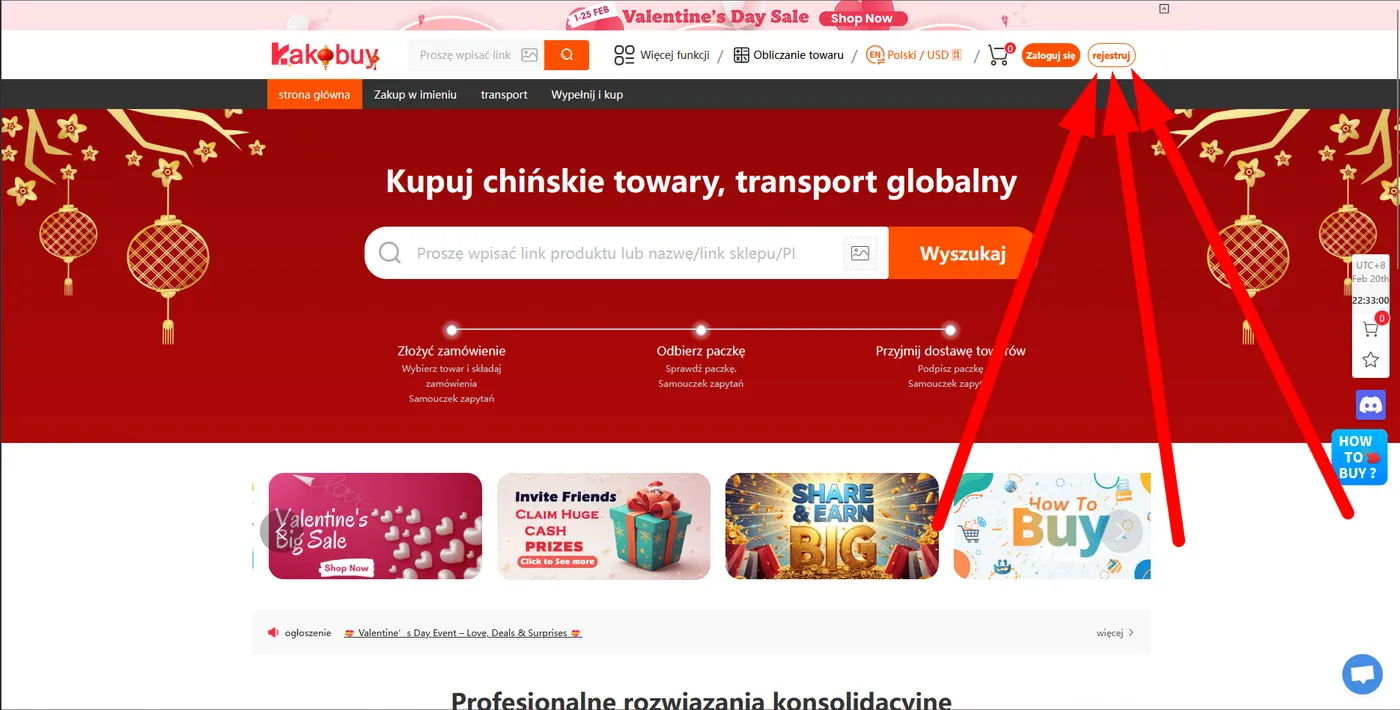
- Go to the registration page using our official link:
- In the top right corner, locate and click the "Register" button.
STEP 02
What do you put in the sign-up form?
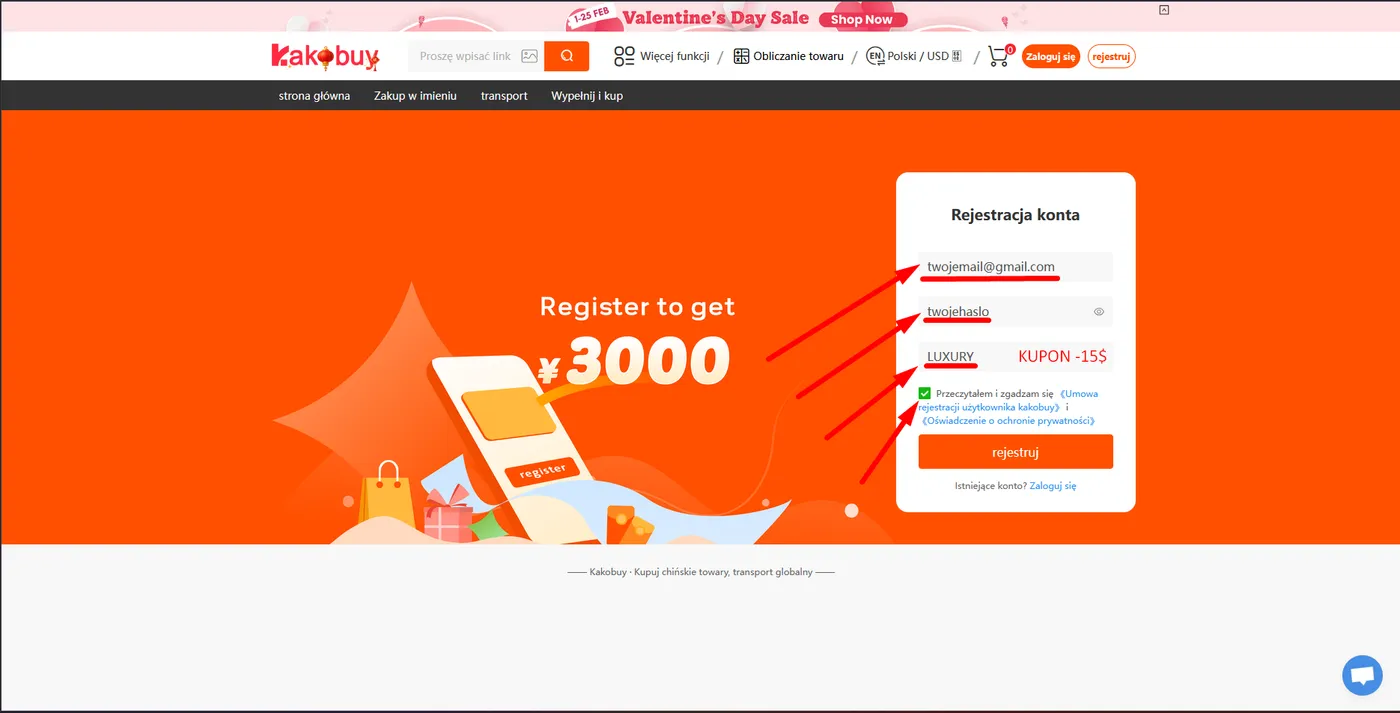
- Enter your active email address and set a strong password.
- Important: Pay attention to the referral code field. If you used our link, the code
LUXURYshould fill in automatically. If the field is empty, type it in manually to receive giant shipping coupons!
- Check the terms and conditions agreement and click the orange register button.
STEP 03
Where do you collect the welcome coupons?
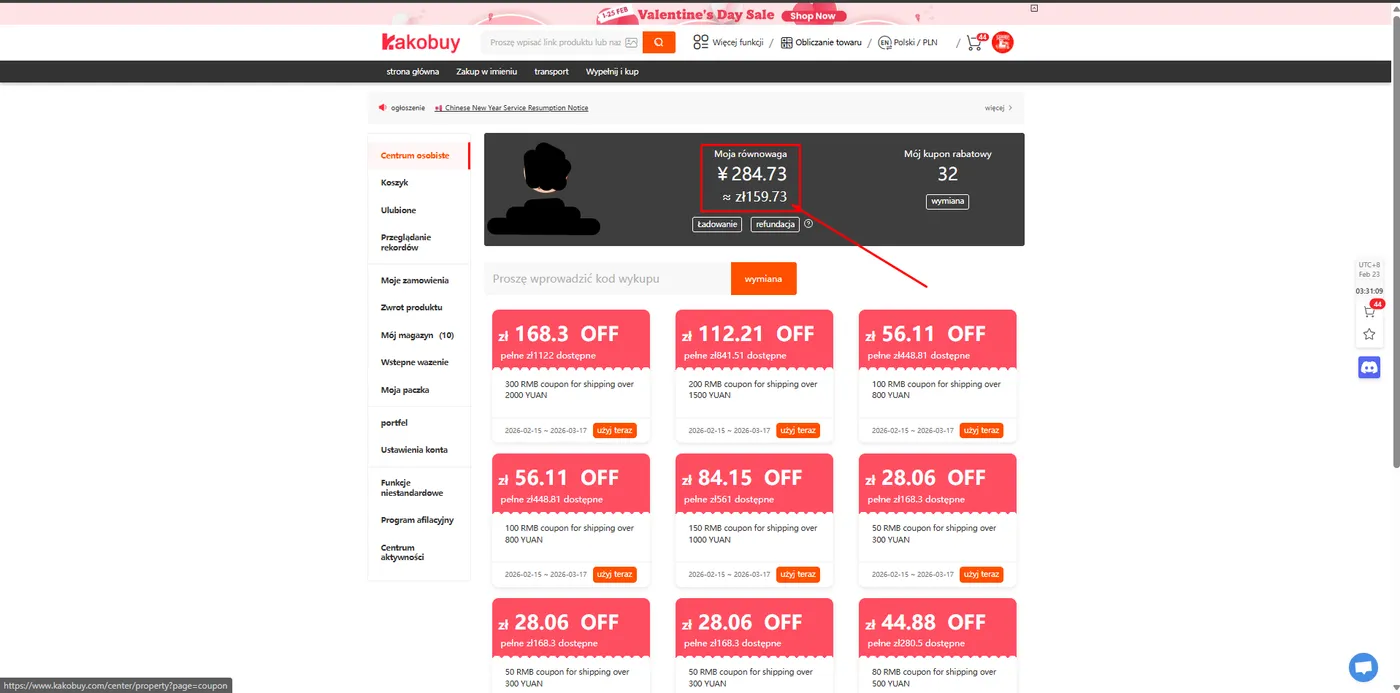
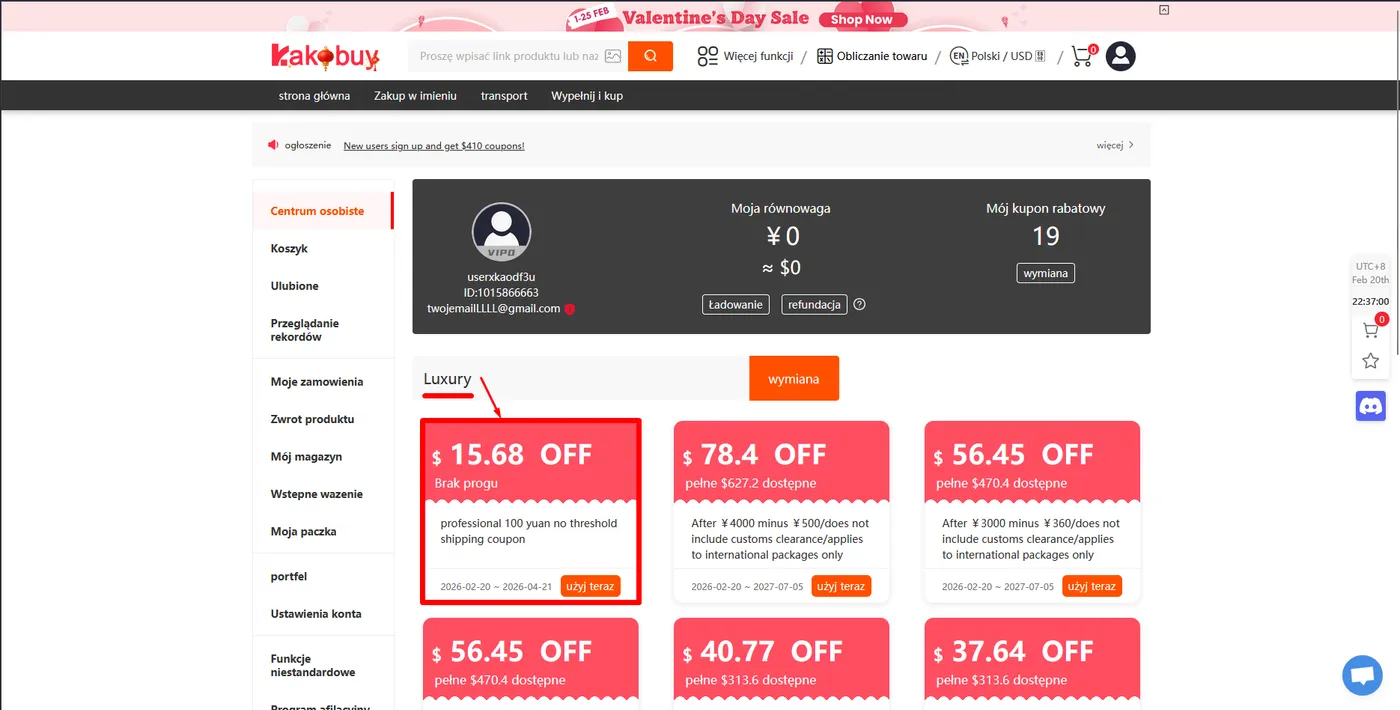
- After logging in, go to your "User Center".
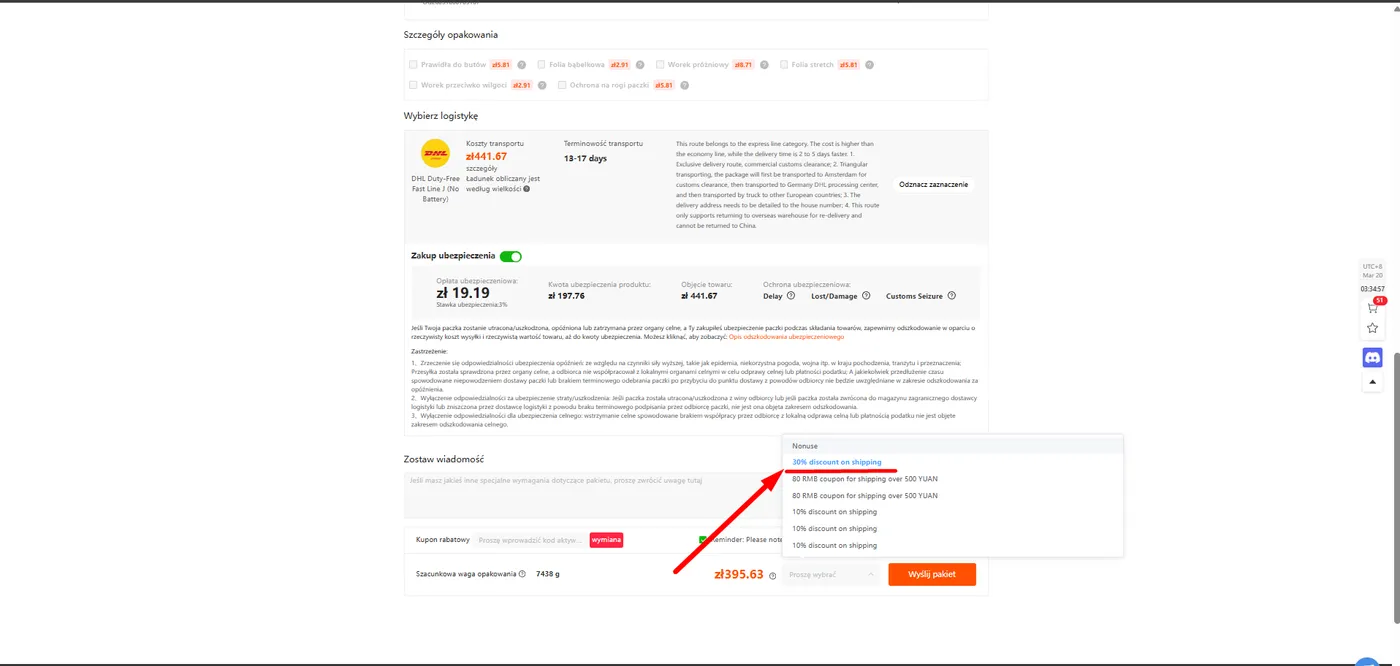
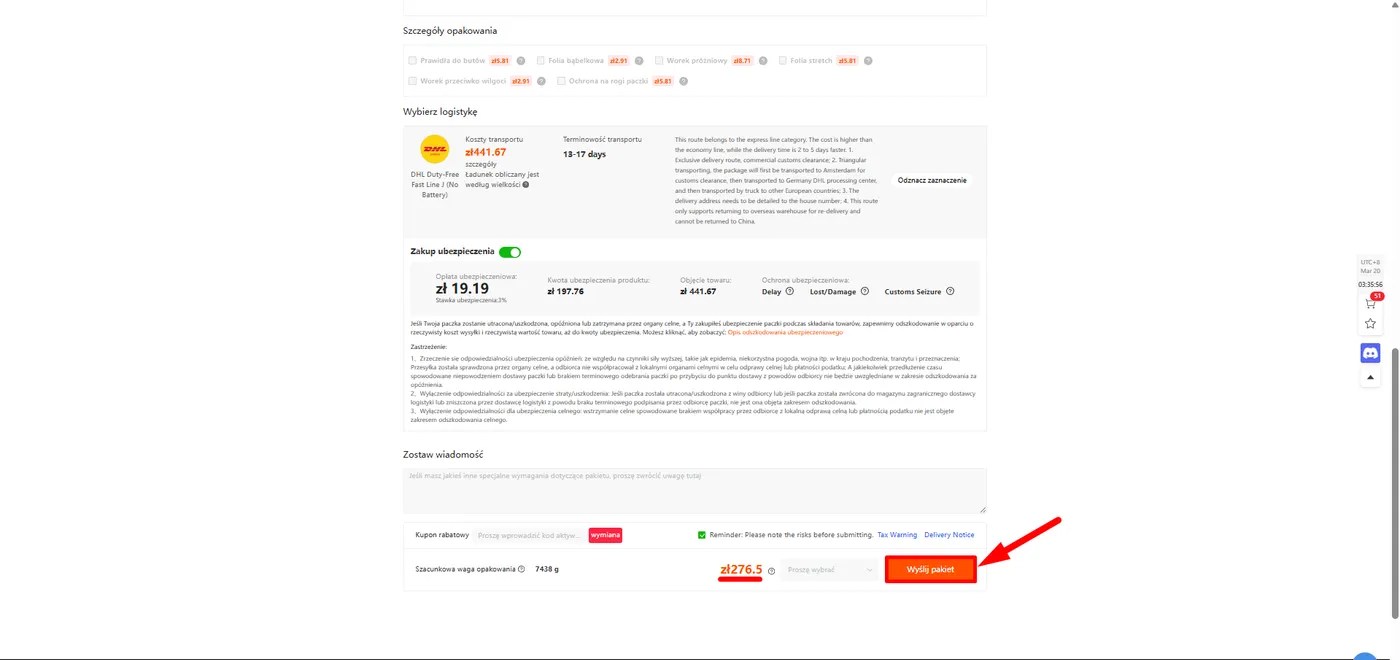
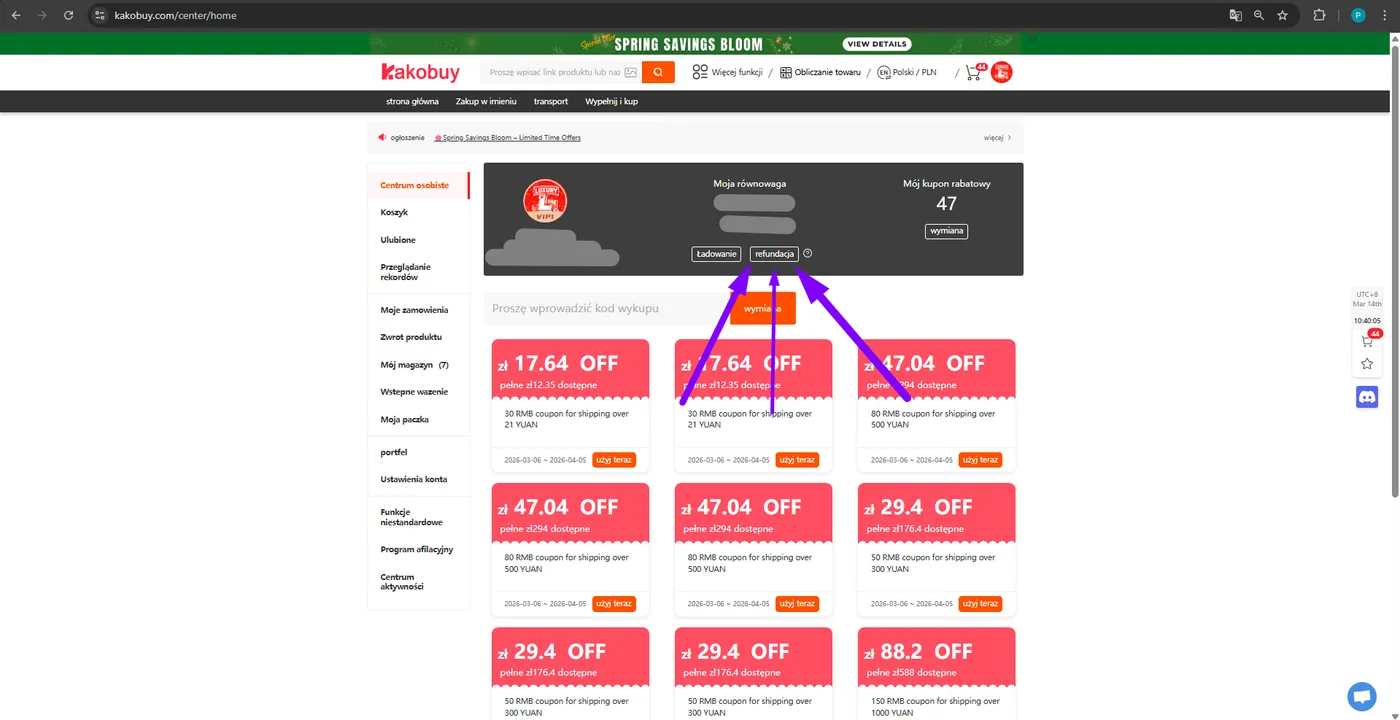
- In the coupons tab, you will find assigned discounts (e.g., $15.68 OFF without threshold), which you will use later when paying for parcel shipping to your country.
STEP 04
How do you add a product to the cart?
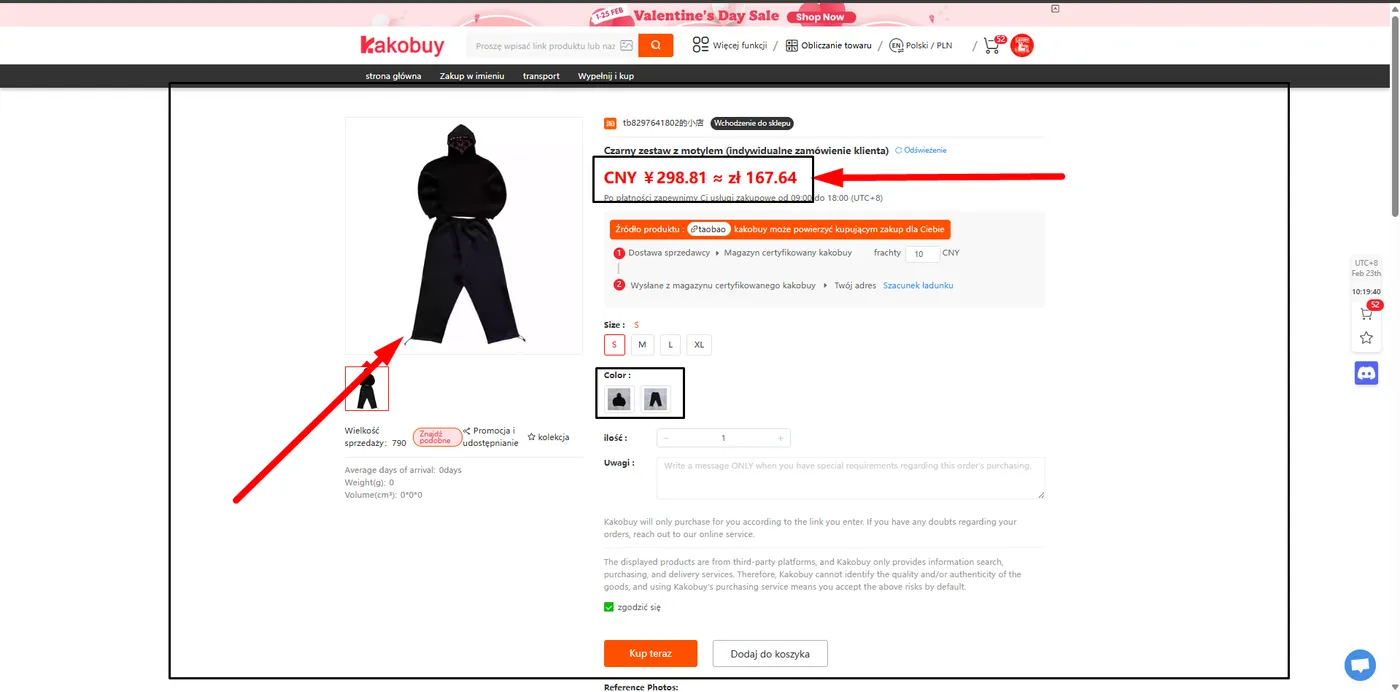
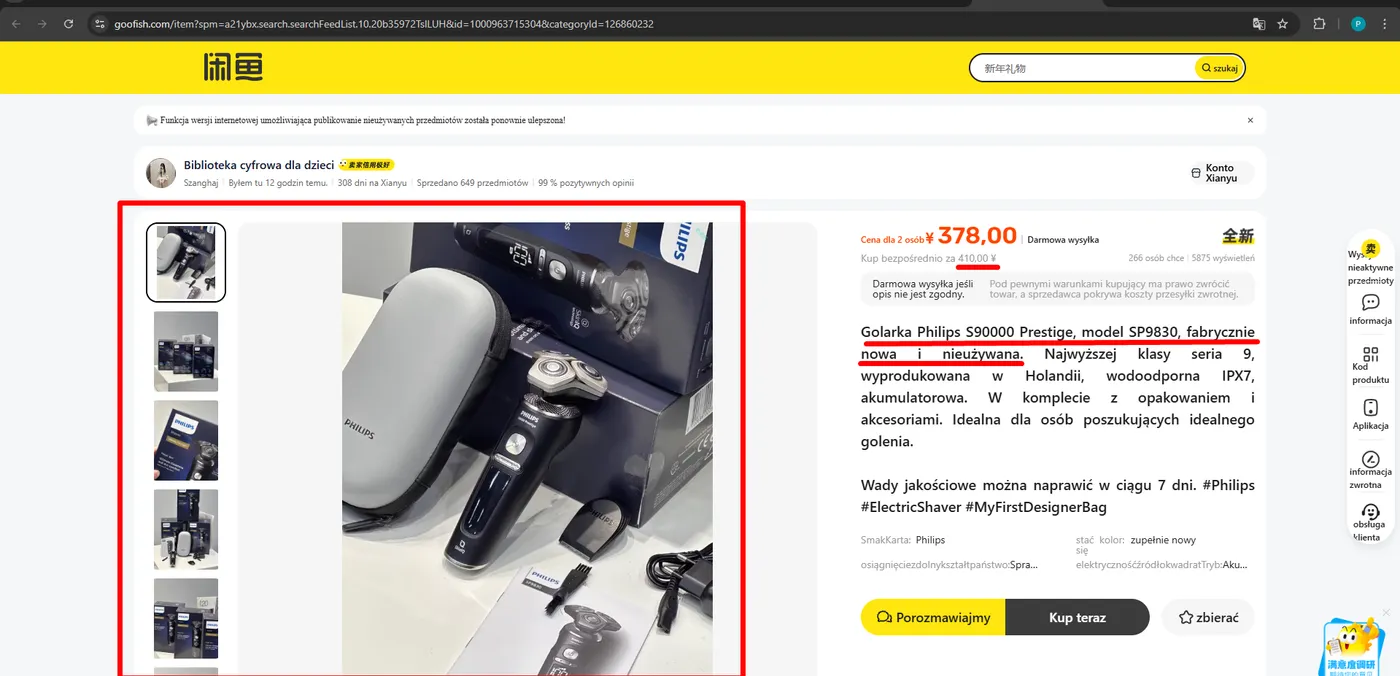
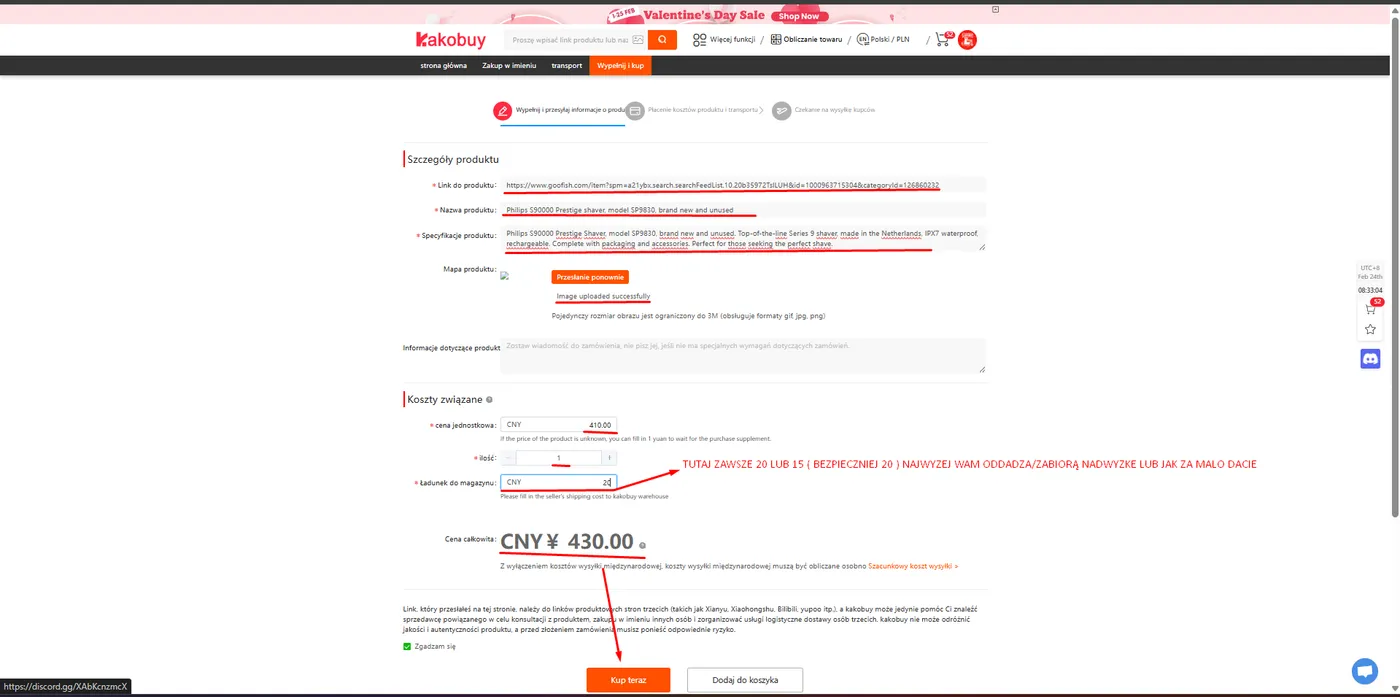
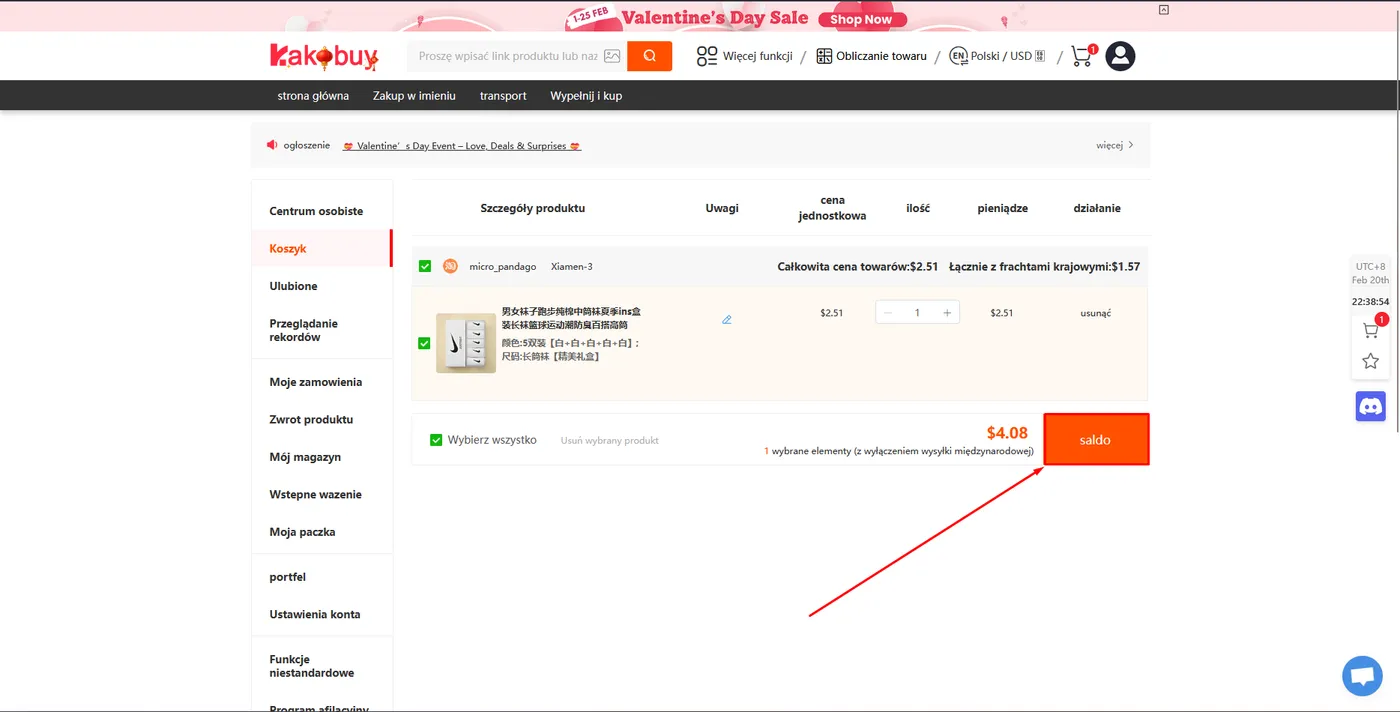
- Find the product you're interested in on Kakofind and add it to your Kakobuy cart.
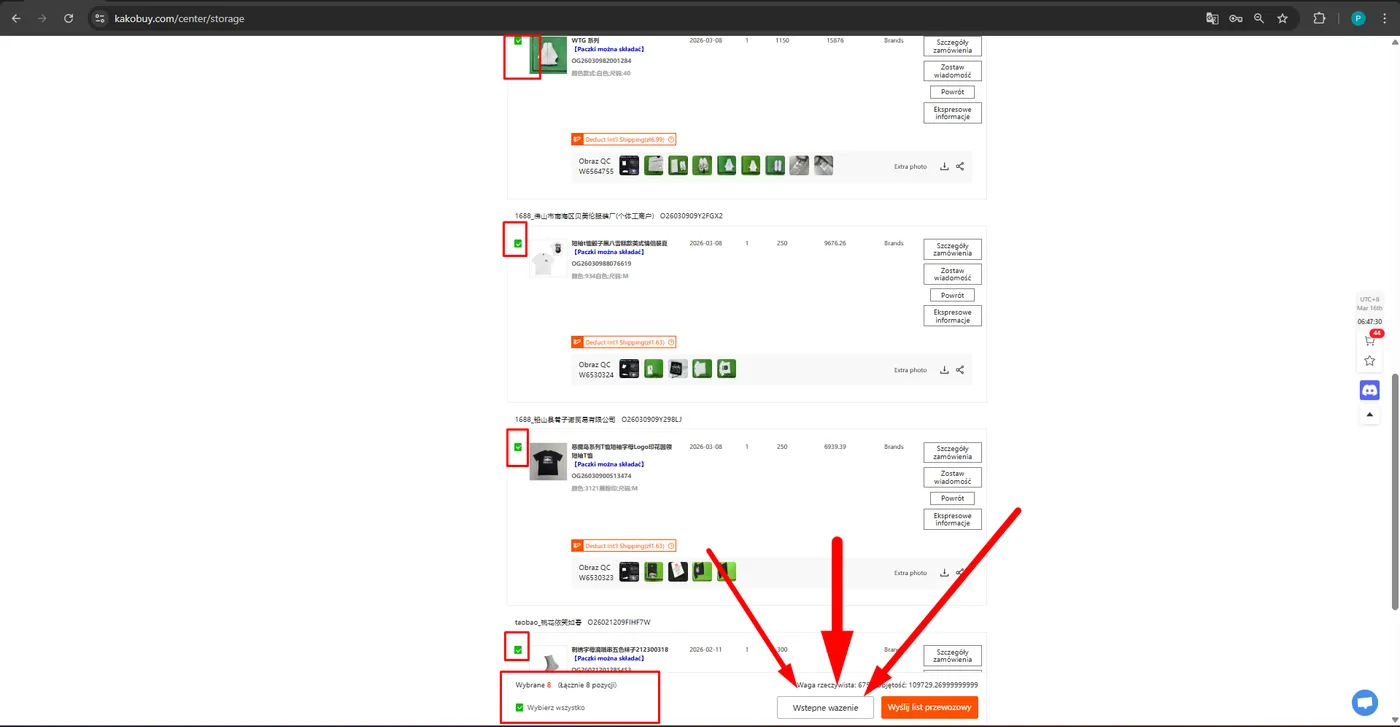
- Check the items you want to buy (green checkmark).
- Click the "Balance" (or Checkout) button in the bottom right corner.
STEP 05
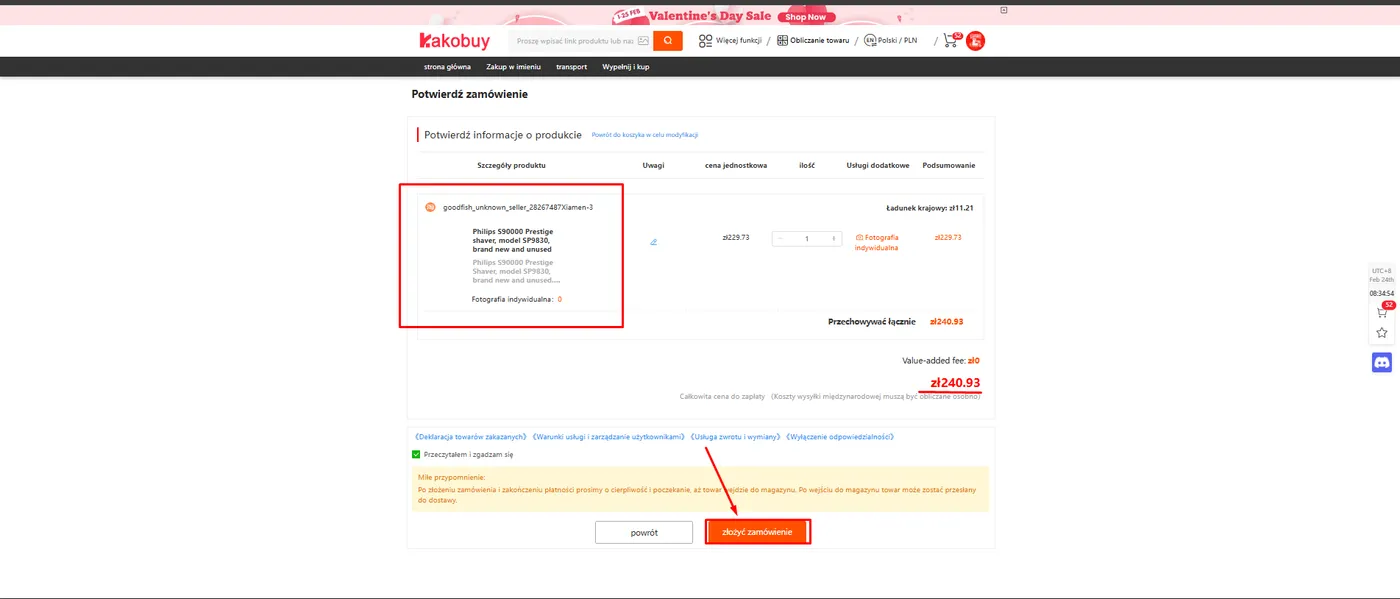
How do you confirm the order?
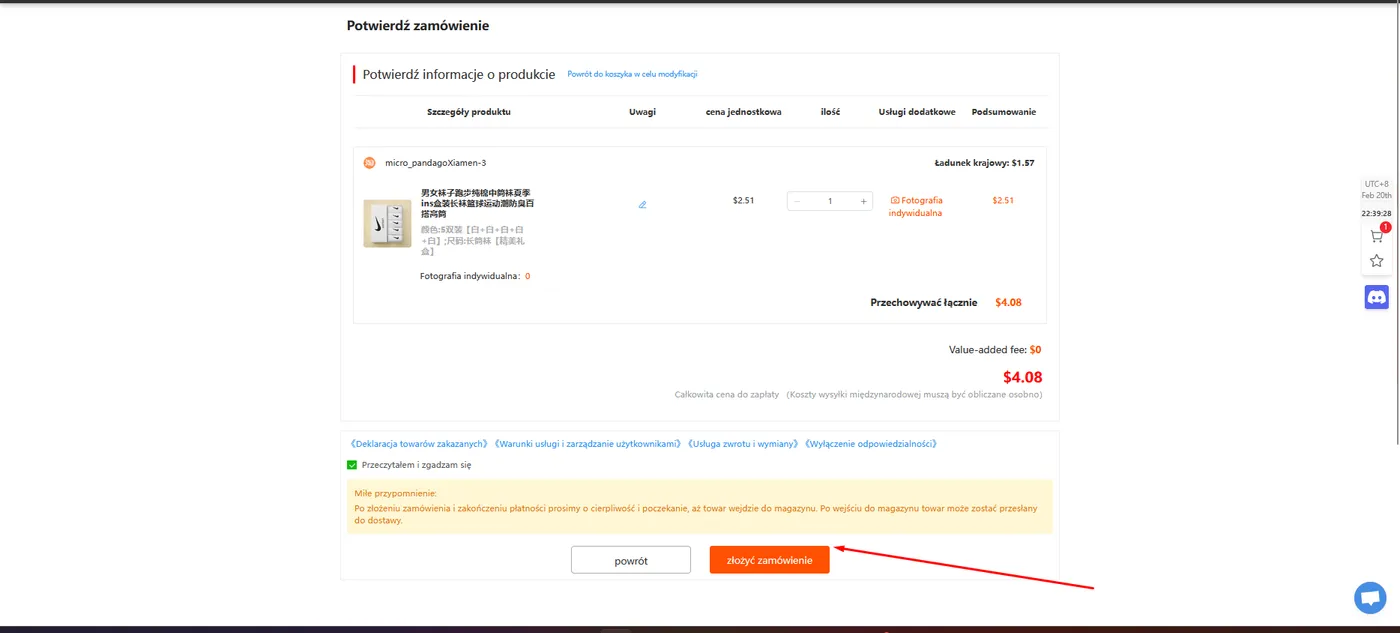
- In the summary, double-check the size, color, and total amount to pay (product price + any local freight in China).
- Accept the terms of service and click "Submit Order".
STEP 06
How do you pay for a Kakobuy order?
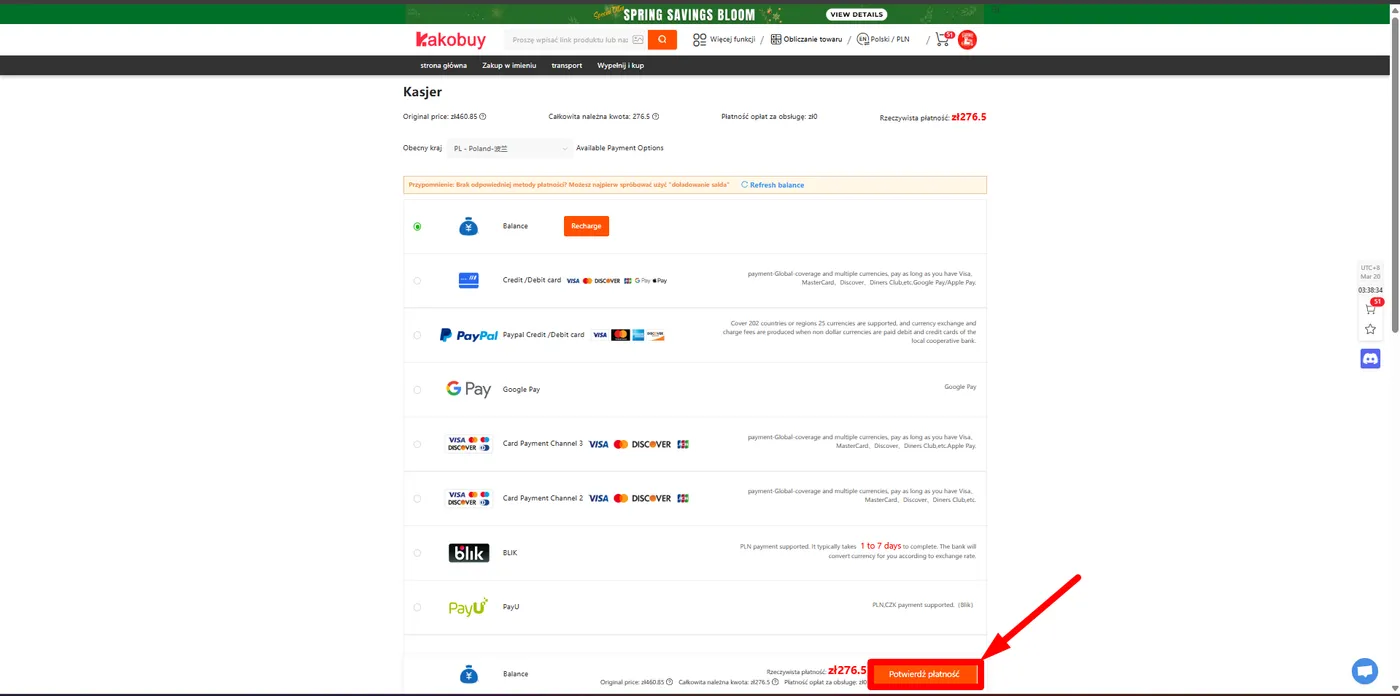
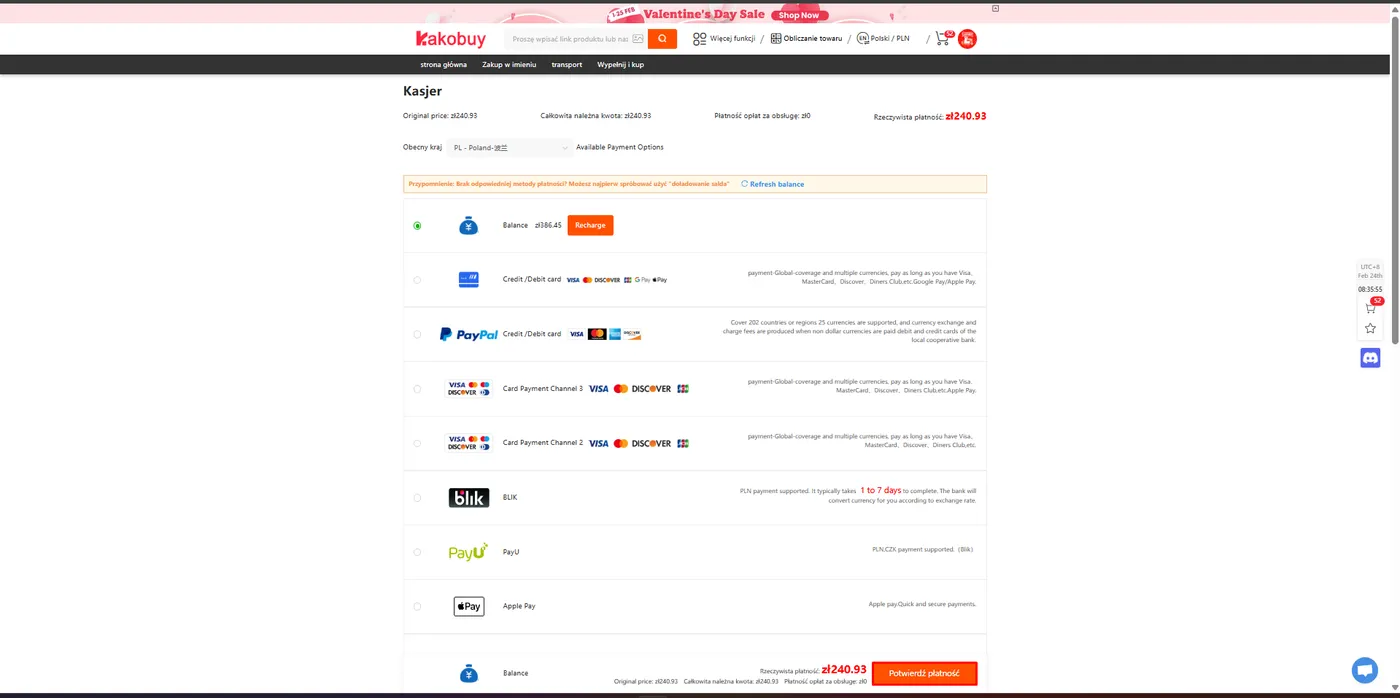
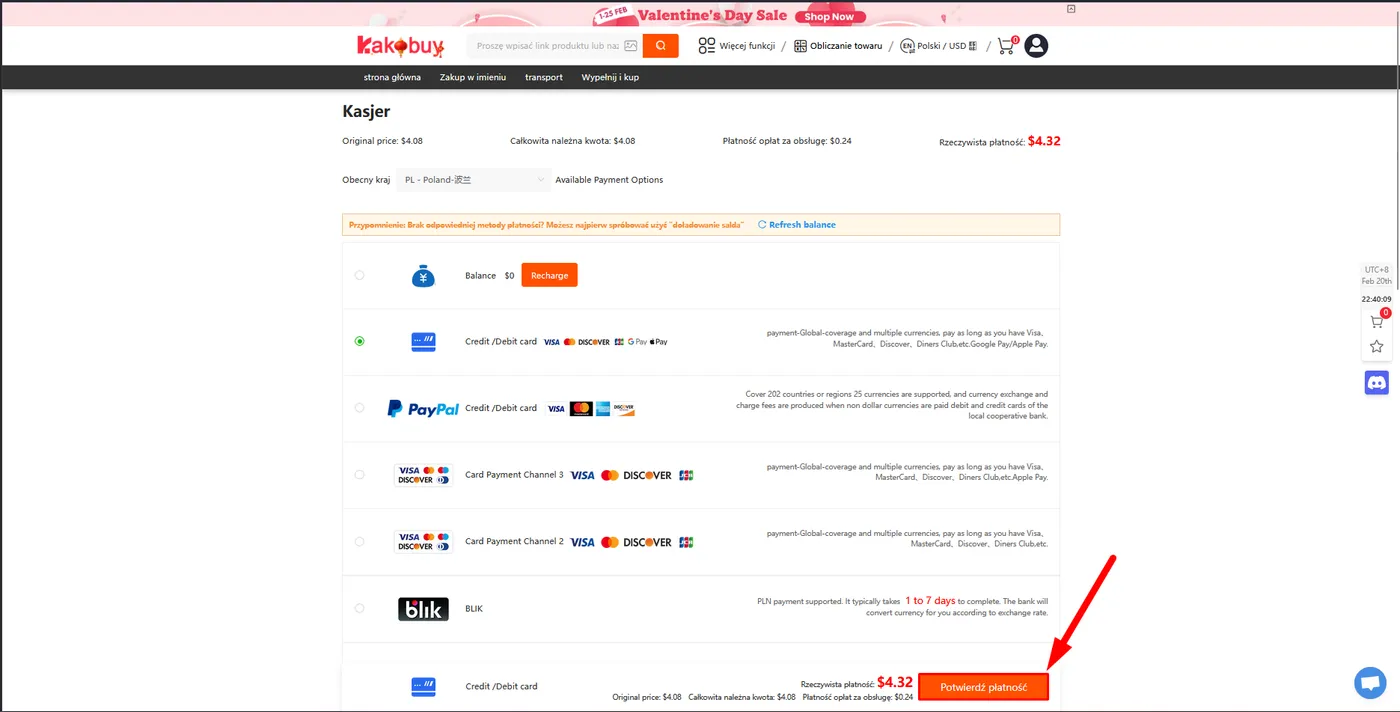
- You will be redirected to the virtual Cashier.
- Kakobuy offers many convenient payment methods in USD and other currencies (e.g., Card, PayPal).
- Choose your preferred method and click "Confirm Payment".
STEP 07
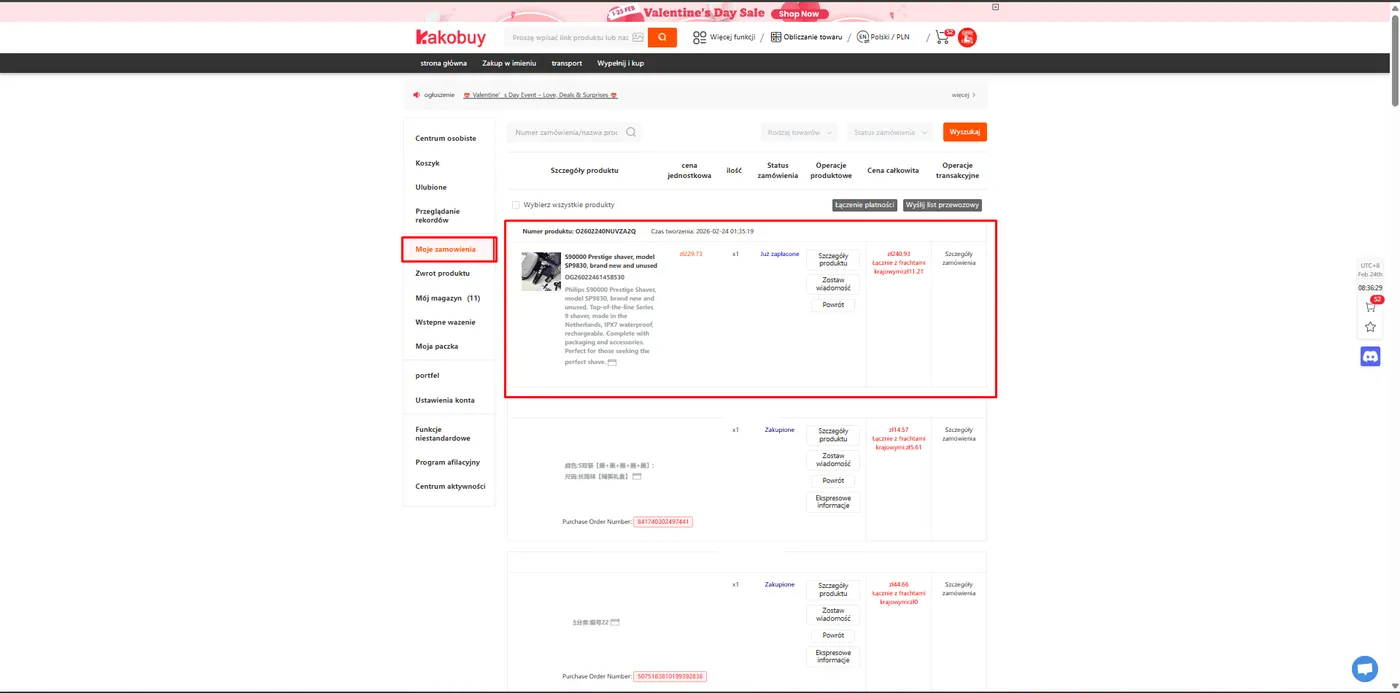
How do you check the order status?
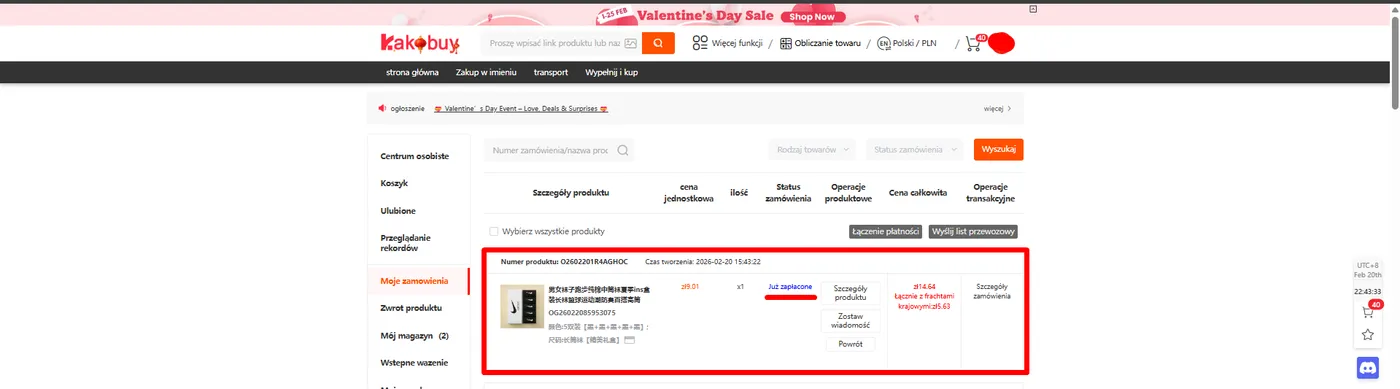
- Congratulations! The agent just received your money and will soon buy the product from the Chinese seller.
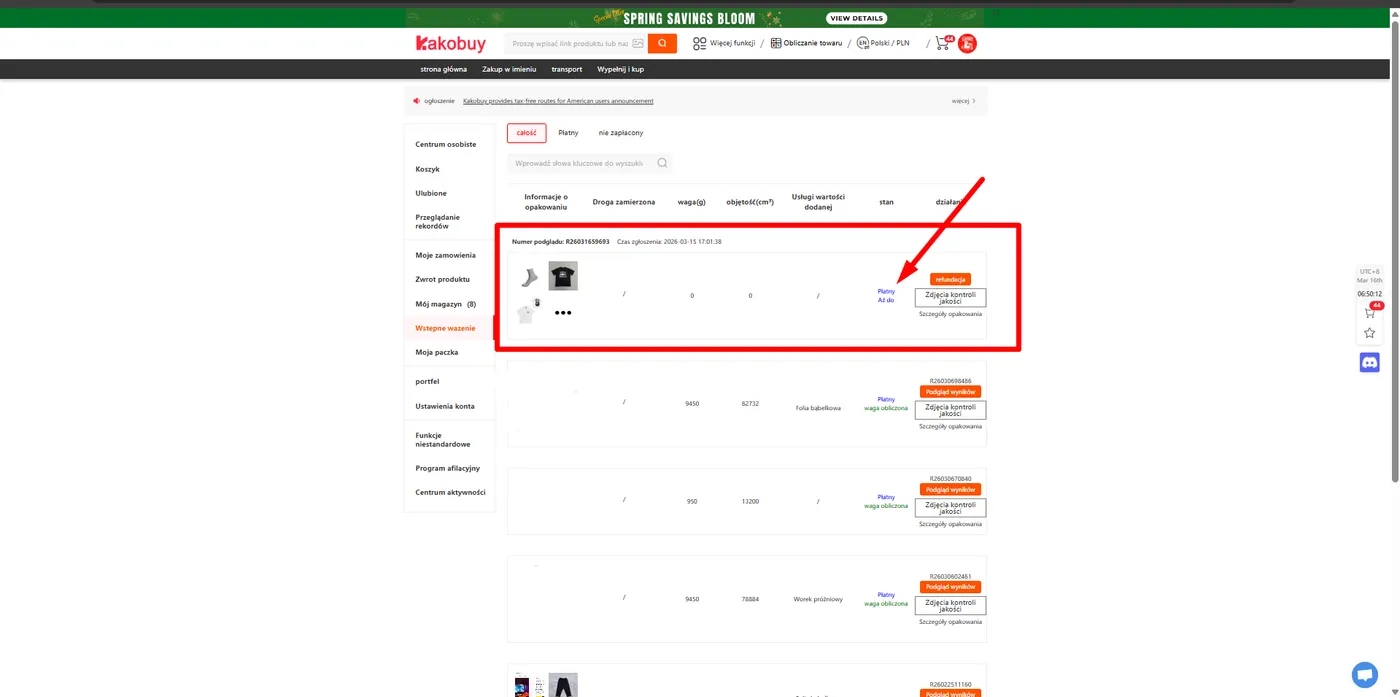
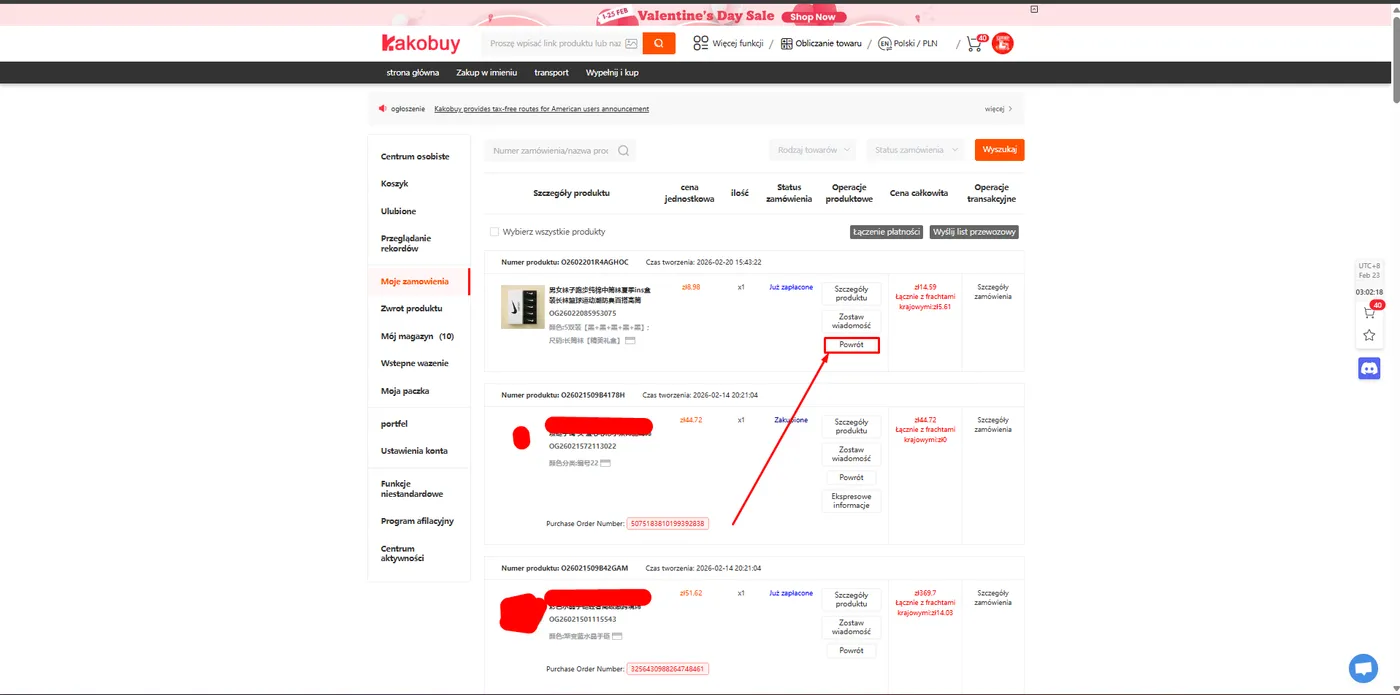
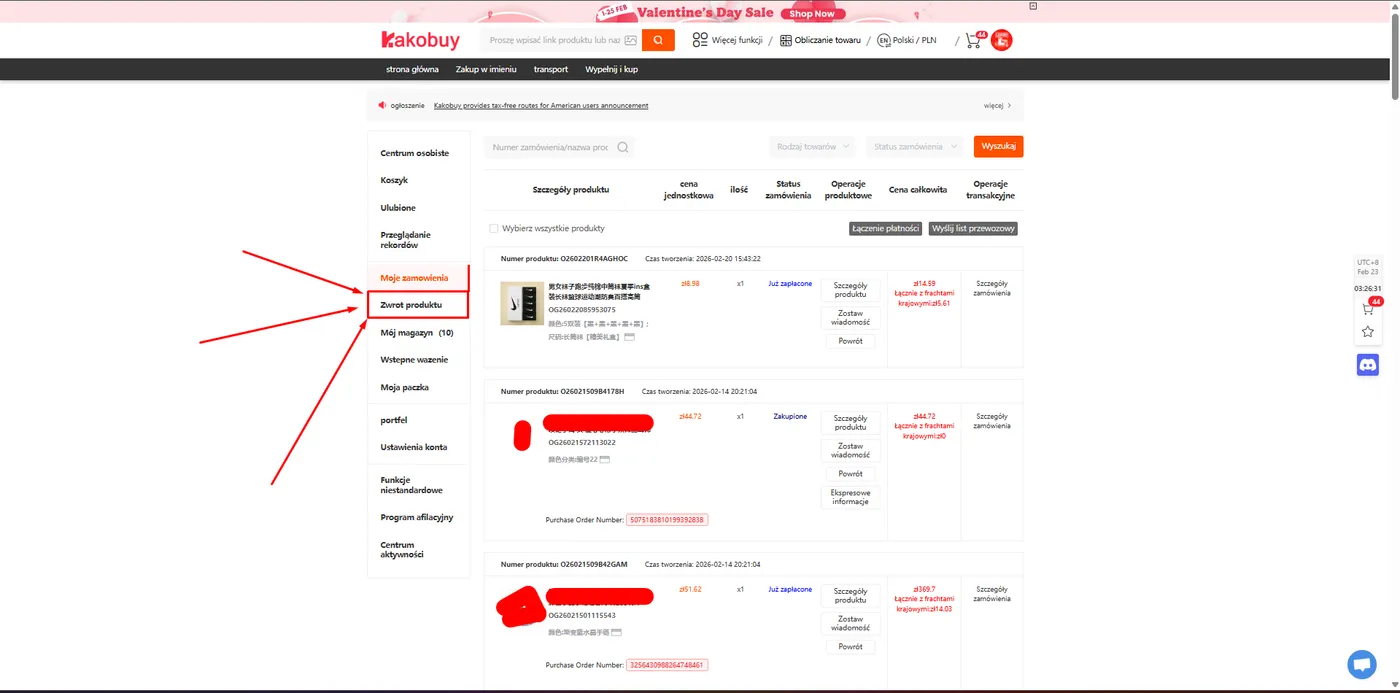
- In the "My orders" tab, the status will change to Already paid.
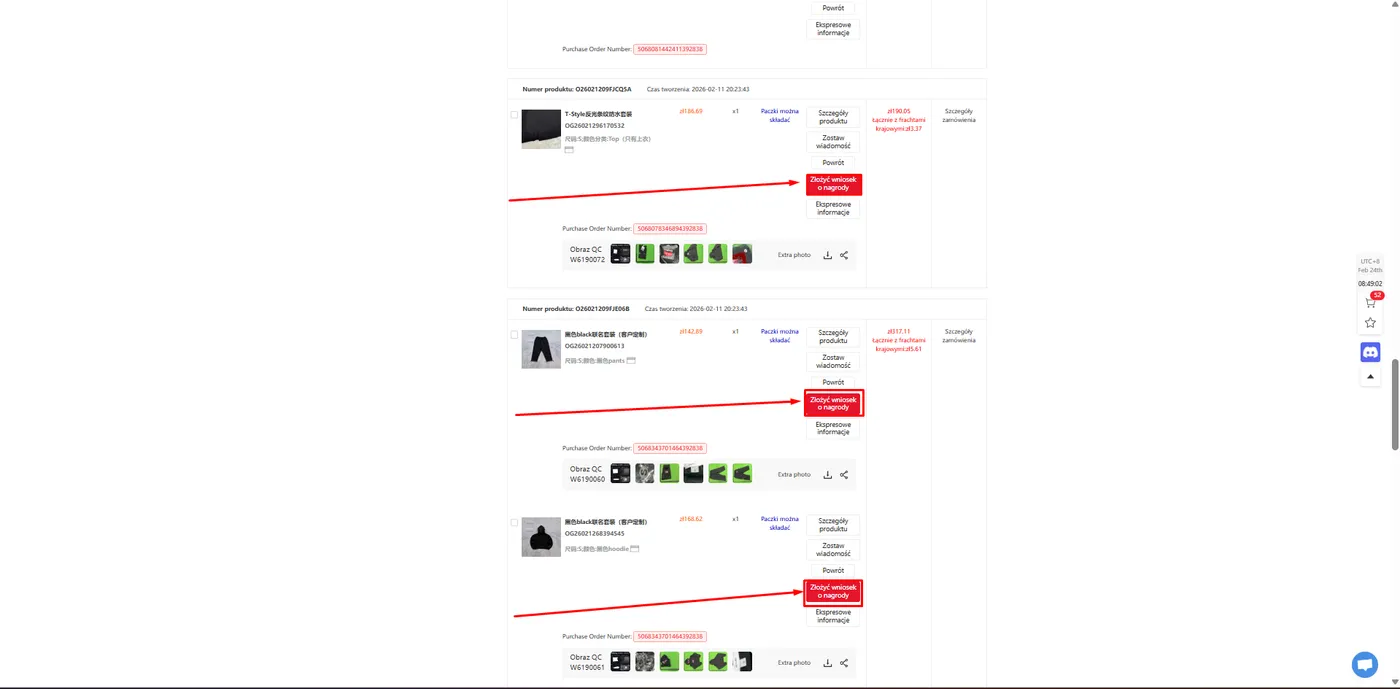
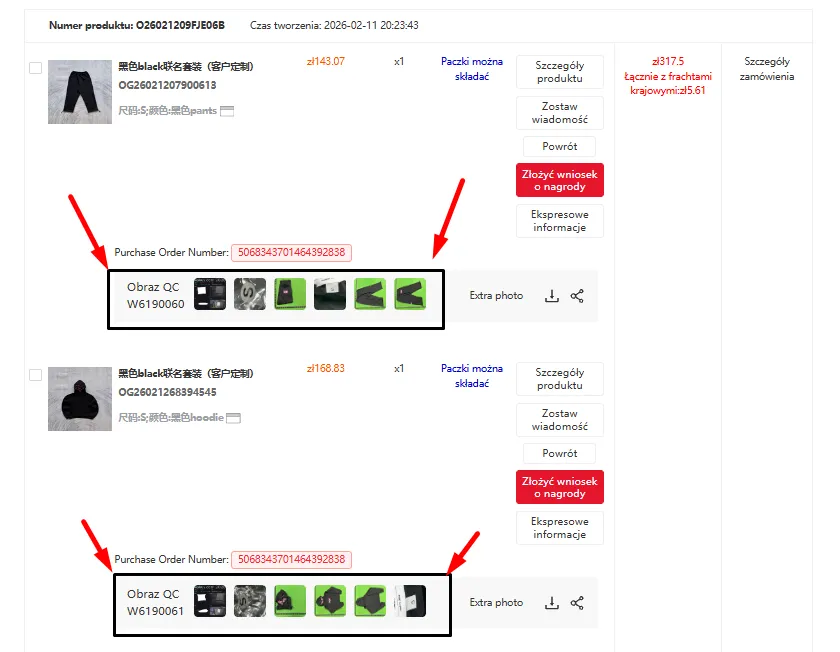
- Now you wait for the item to reach the warehouse (then you will receive QC photos). Historical QC photos from other buyers are in the Kakobuy QC Finder.